Hotels and restaurants
Guest requests and rooms
Guests ask from their phone, and each request goes to the right team's board.
Set up guest services
- Turn on room login, because guests sign in with the stays you check in.
- Open Business > Hotel settings, then turn on Guest services page on.
- Add your hotel information, one line per item, as
Label: value. - Add your reception WhatsApp number.
- Choose What guests can ask for. Each item goes to its department's board and has a time limit.
Work the board
Open Stays > Guest requests. New requests appear by themselves, and managers get an alert when one waits longer than its time limit.
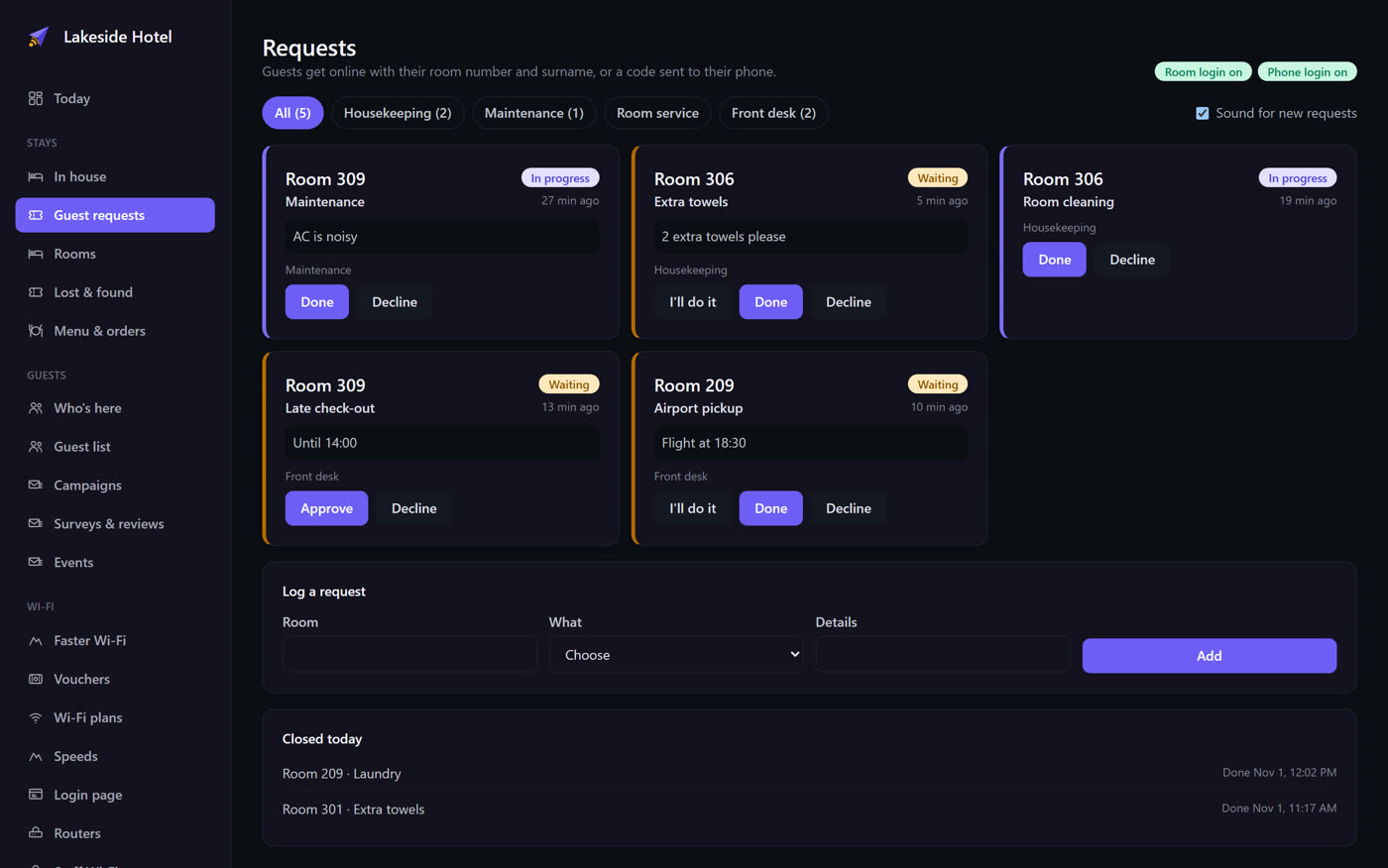
Late check-out is special: approving the request moves the guest's check-out time.
Rooms, and lost and found
- Rooms is your room board.
- Lost & found keeps a record of items guests leave behind.