Hotels and restaurants
QR menu and orders
Put a QR code on every table and room so guests can order, call the waiter or ask for the bill.
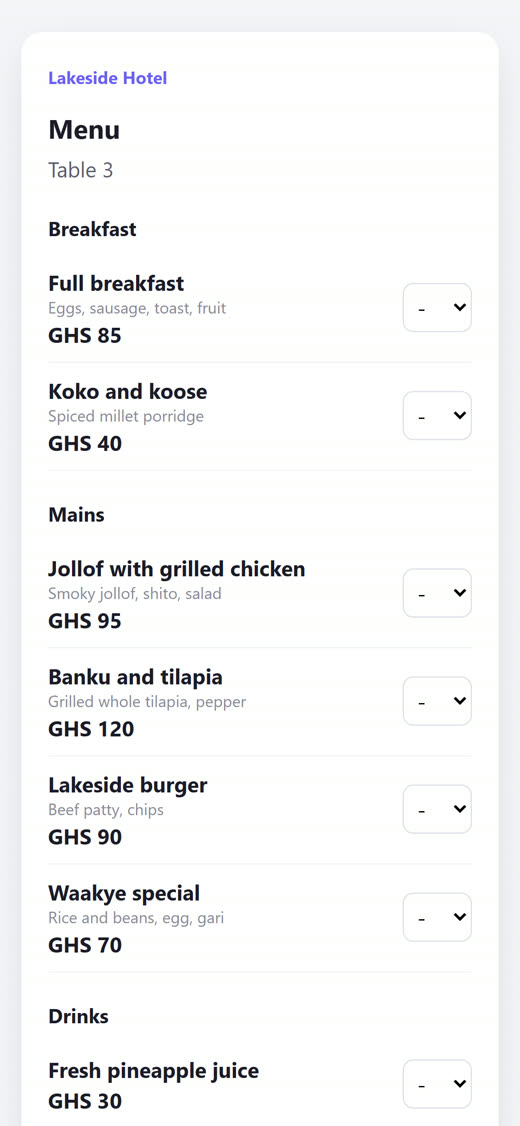
Set up your menu
- Open Stays > Menu & orders.
- Add your menu items.
- Add your tables and rooms.
- Print the QR codes and put one on each table or in each room.
Take orders
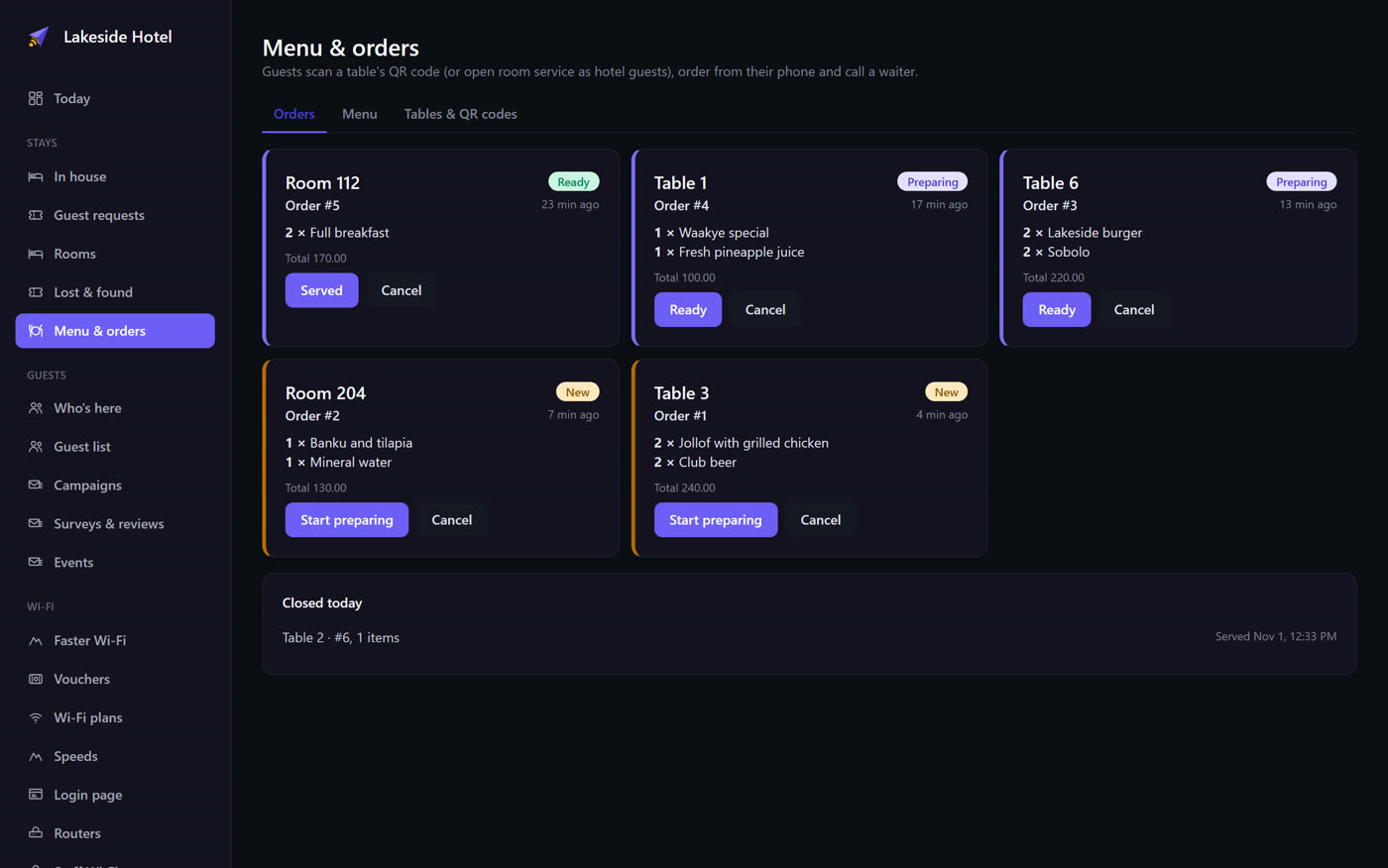
Orders appear on a live board for your kitchen. Guests can also call the waiter or ask for the bill from the same page.