Guest Wi-Fi that pays for itself.
ISPilot turns your Wi-Fi into your best member of staff: guests sign in by room or phone, ask for what they need, order from the table, and get invited back — all from one dashboard, on the MikroTik routers you already have.
to get online with a room number and surname — no password at the desk.
for every request, order and late check-out, with alerts when one runs late.
who opts in becomes someone you can invite back and ask for a review.
from faster Wi-Fi, late check-outs and room service, on the room bill.
Room 204 is online, and the towels are on their way.
Guests sign in with their room number and surname. ISPilot checks them against who is in house, and anything they ask for lands on your staff's board.
- Signs inRoom number and surname. No password at the desk.
- CheckedMatched to who is in house. Access ends at check-out.
- AsksExtra towels, from the guest services page.
- HandledHousekeeping sees it with a time limit and marks it on its way.
One guest journey, from the lobby to the next booking.
Switch each part on when you're ready. They all share the same guests, rooms and dashboard.
No more Wi-Fi passwords on a card.
Guests sign in on your branded Wi-Fi page in seconds, in their own language. Their access follows their stay and ends at check-out by itself.
Room number + surname
Checked against who is in house. Works on every device the guest brings.
A code by SMS or WhatsApp
For restaurant, bar and event guests: a 6-digit code to their phone, and they are online.
Your welcome page
After login guests land on your message, links and social pages, not a blank screen.
Check-in your way
From ISPilot, a list upload, or your booking system (PMS) through a simple API.
Requests that don't get lost between the front desk and housekeeping.
Guests scan the QR in their room or open guest services after login, and ask for what they need. Staff see it on a live board.
Requests with time limits
Towels, a repair, an airport taxi. Each type has a department and a time limit; managers are alerted when one runs late.
Late check-out upsell
Guests ask for a later check-out with a price; approve it and their stay and Wi-Fi move with it.
Room board
Clean, dirty, to inspect or out of order, with each room's guest, check-out and open requests. Rooms go to dirty at check-out.
Lost & found
Record what was found and where, and who it went back to.
Your menu on every table, and orders straight to the kitchen.
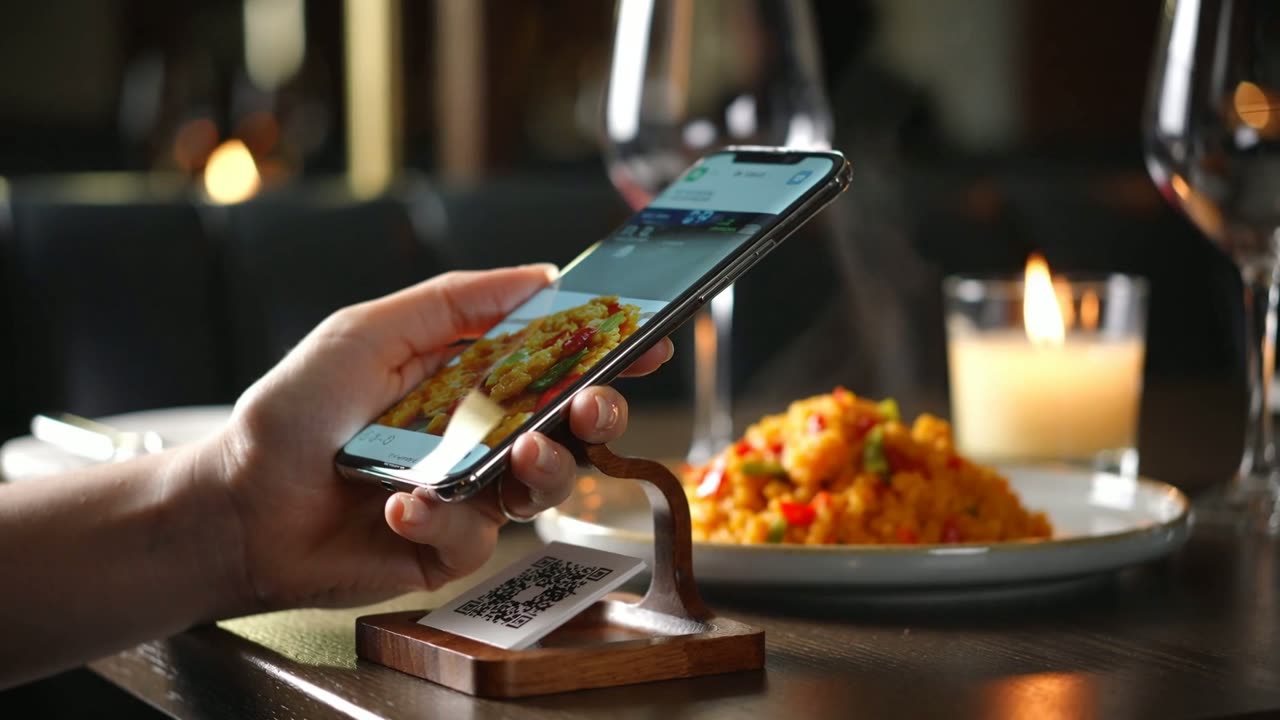
A QR code on each table opens your menu. Hotel guests order room service from guest services. No app to download.
Order from the table or room
Prices from your menu, never from the phone. Guests follow their order as it is prepared.
Call the waiter, ask for the bill
One tap from the table. Pressing twice still makes one call.
Kitchen board
New orders chime; move them to preparing, ready and served.
Serving hours & sold out
Breakfast only shows as orderable at breakfast. Mark an item sold out in one tap.
Turn this week's guests into next month's bookings.
Every guest who signs in with their phone and agrees to hear from you becomes someone you can thank, invite back and ask for a review.
Welcome & win-back campaigns
A thank-you after the first visit, a “we miss you” with a coupon after a while away, a reward on the 5th visit.
Surveys & Google reviews
A short star rating after the visit. Happy guests are sent to your Google review page; unhappy ones alert your manager.
Return tracking
See which campaigns brought guests back.
Consent built in
Only guests who opted in, inside your sending hours, with a stop link on every message.
Know who's here, fill your events, and sell a faster connection.
A live view of your Wi-Fi, events guests can reply to, and an upgrade they can buy without reconnecting.
Who's here
Guests on your Wi-Fi now: hotel guests by room, regulars by visit number, first-timers. Full screen for reception.
Events & RSVPs
Publish live music, a brunch or a match night; guests reply with their group size and get a private link to change it.
Faster Wi-Fi upsell
A speed boost for some hours, added to the room bill. Devices stay connected while it switches on.
QR posters
Print table, room and event QR cards straight from the dashboard.
Design the page your guests see first.
Your colours, your logo, the ways guests can sign in, and an offer for faster Wi-Fi. Change it here like you would in the dashboard.
Brand colour
Show on the page
See it working, start to finish.
A 30-second film for hotels and restaurants, and a narrated tour with a hotels chapter. Real screens, demo businesses.
Setting up a property? Follow the hotel quick start.
Live before your next check-in.
No new hardware for guests to learn and no app to install.
Connect your MikroTik
Link the routers that already run your guest Wi-Fi. ISPilot sets up the login page on them.
Add rooms & guests
Create rooms from a range, then check guests in by hand, from a list, or from your PMS.
Switch on what you need
Guest services, the QR menu, campaigns, events and faster Wi-Fi: each is one switch.
Print your QR cards
Room, table and event QR codes print straight from the dashboard.
From a 10-room guesthouse to a resort with three restaurants.
Room login, guest services, room service and late check-outs.
Less front-desk time, more five-star reviews.
Table ordering, regulars and review requests.
Know who's here and fill the next event.
A thank-you, a review, and a reason to come back.
Guests who opt in hear from you at the right moments. Happy guests are sent to your Google review page; unhappy ones reach your manager first.
- A happy stayThanks, a review, and an offer that brings them back.
- A stay that went wrongYour manager hears about it before Google does.
Priced by the size of your property.
Every plan includes guest Wi-Fi login, guest services, the QR menu, campaigns, surveys and events.
Pick your plan when you sign up. The trial is free and needs no card.
Start free trialBook a Demo
Tell us a bit about your network and we'll set up a live walkthrough.
Thanks, !
We've emailed you links to get started, and we'll reply within one business day. Most questions are answered here:
Do we have to change our booking system?
No. Reception can check guests in and out in ISPilot or upload a list, and any booking system can send stays through a simple API.
How do guests get online?
With their room number and surname, or a code sent by SMS or WhatsApp. Access ends at check-out.
Does it work with our router?
Yes, ISPilot runs on the MikroTik router that powers your guest Wi-Fi.
What does it cost?
Hotel plans are shown when you sign up, in your currency. The trial is free and needs no card.
What hoteliers ask us first.
Do we have to change our booking system (PMS)?
No. Reception can check guests in and out from ISPilot or upload a list, and any PMS can send stays to ISPilot through a simple API with its own key. A stay sent again is updated, not duplicated.
What equipment do we need?
A MikroTik router running your guest Wi-Fi hotspot. Guests use their own phones and laptops; there is nothing for them to install.
What happens to a guest's Wi-Fi at check-out?
It ends by itself at check-out, after a grace period you choose. Approve a late check-out and their Wi-Fi moves with it.
Is it all right to send guests marketing messages?
ISPilot only messages guests who ticked the box on the login page, only within the hours and daily limit you set, never twice in 24 hours, and always with a one-tap stop link.
How do guests pay for faster Wi-Fi, late check-out or room service?
They're added to the guest's room and shown to your staff with their price, so you settle them with the rest of the bill. Faster Wi-Fi can also be given at the desk.
Can we run a restaurant or bar without hotel rooms?
Yes. Guests sign in with a code sent to their phone, order from the table QR, and join your win-back campaigns and events. The room features simply stay off.
Make your Wi-Fi the first thing guests love.
Set up your rooms, menu and guest login yourself in an afternoon. The trial is free and needs no card.
Prefer to see it first?